免费演示文稿工具
Convert Canva to PPT
Use our free Canva to PPT tool to read a Canva document and convert it into a professionally-designed slide deck in minutes.
它是如何工作的?
- 1
Upload your Canva file as a PDF
In Canva, click Share -> Download -> PDF Standard. Then, upload your PDF, and pick a presentation template.
- 2
Plus AI generates your presentation
We read the text content of your PDF and use the latest AI models to create a presentation on your topic.
- 3
您会收到一个幻灯片链接
自定义您的演示文稿,用 AI 编辑,并与客户或同事分享。
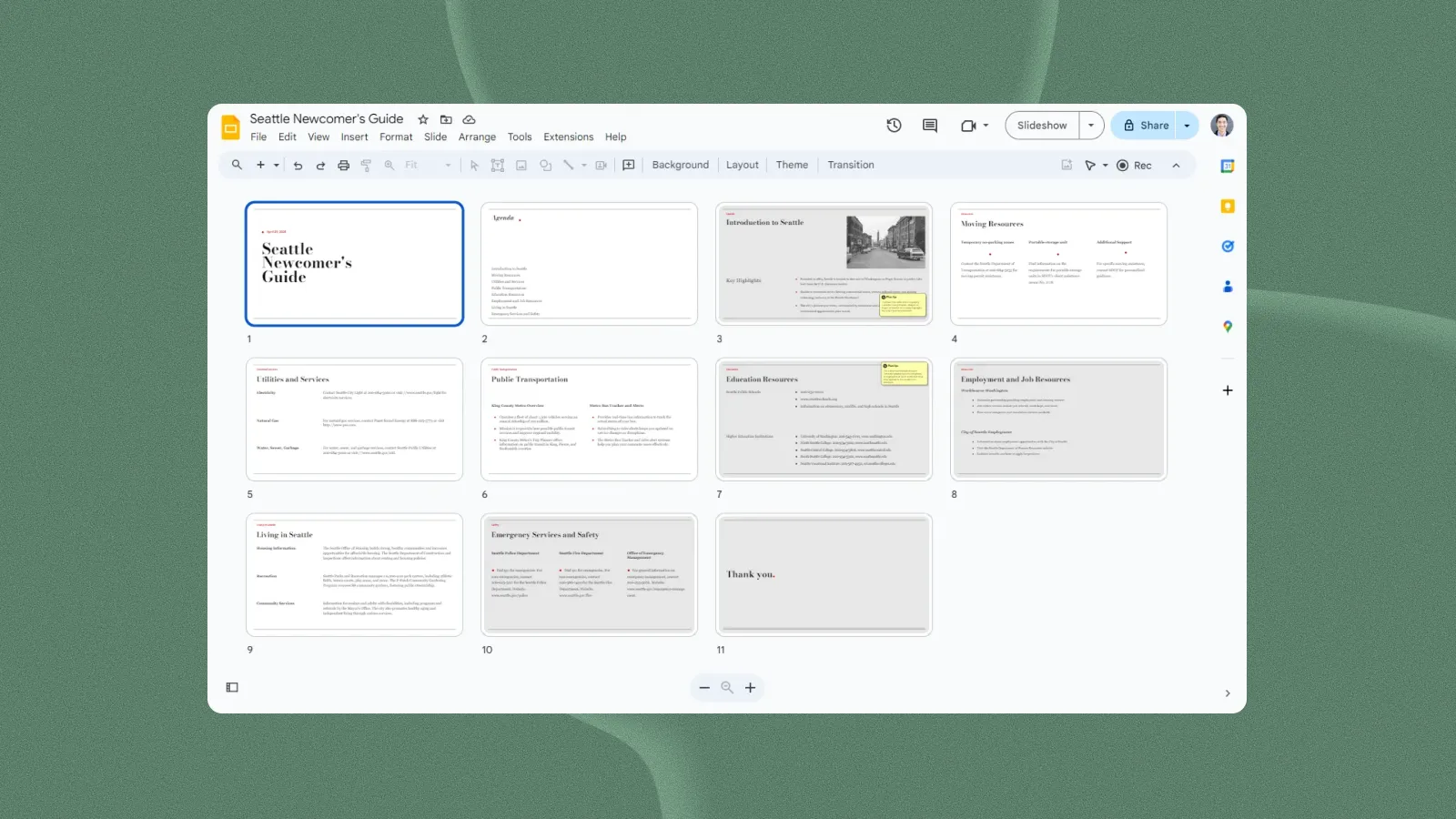
设计师模板——任您自定义
预览我们的演示文稿模板
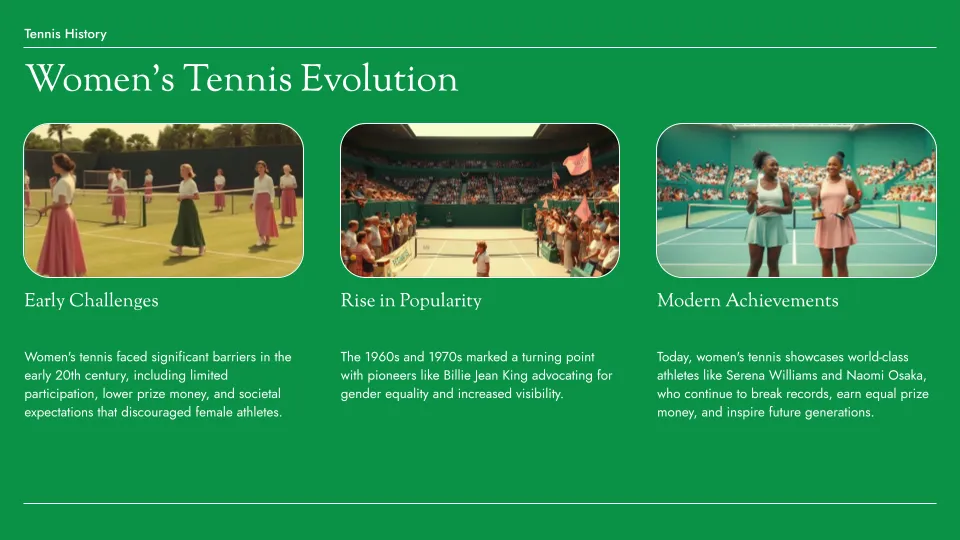
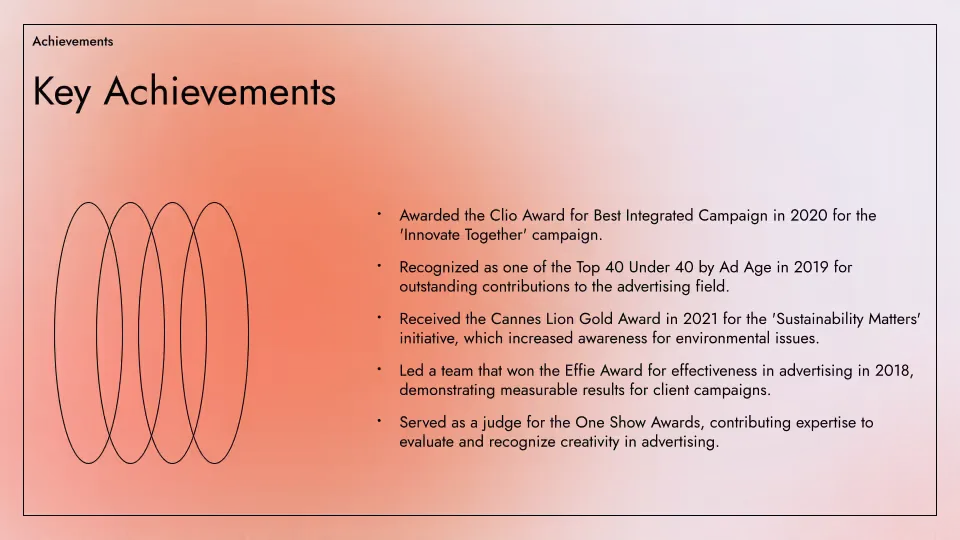
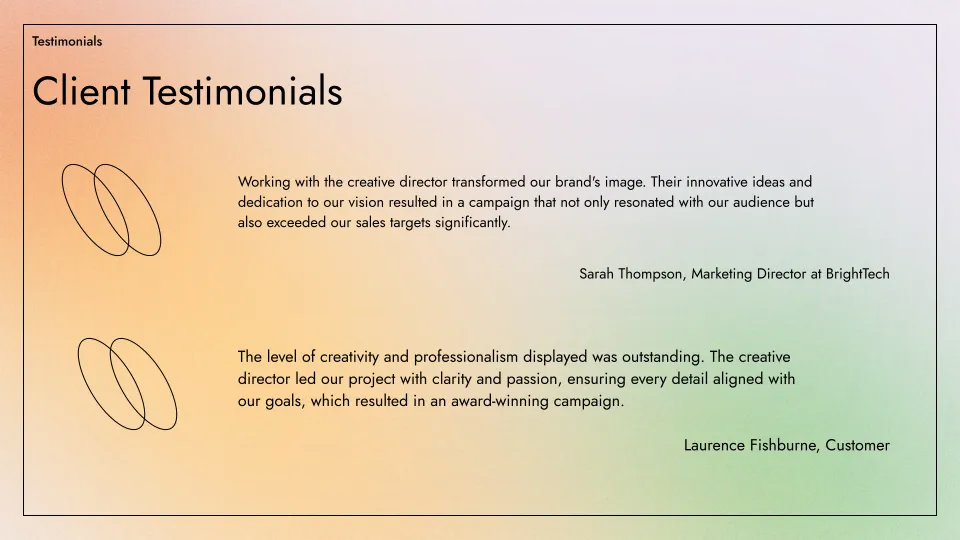
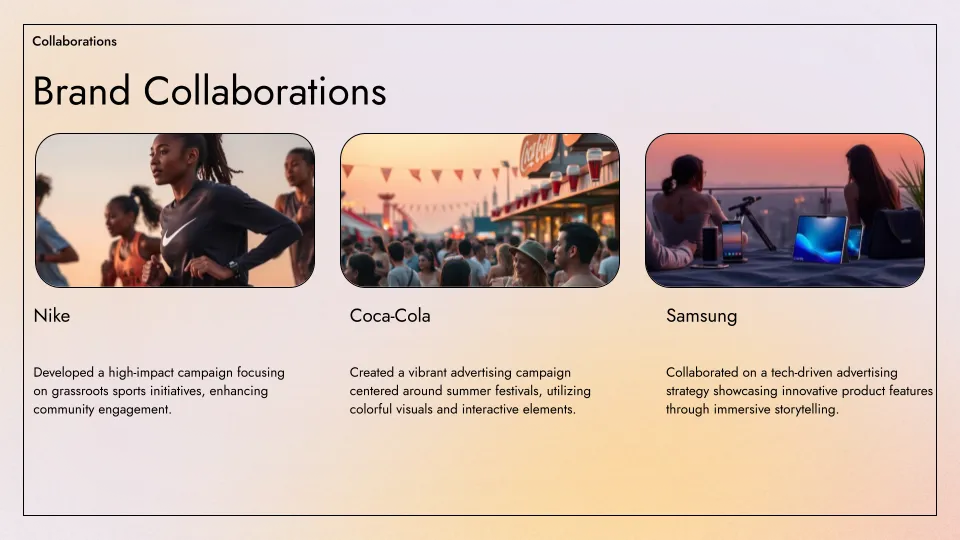
Plus AI 的模板由专业幻灯片设计师制作,并与我们所有用于生成和编辑的 AI 工具完全兼容。
- Renew template
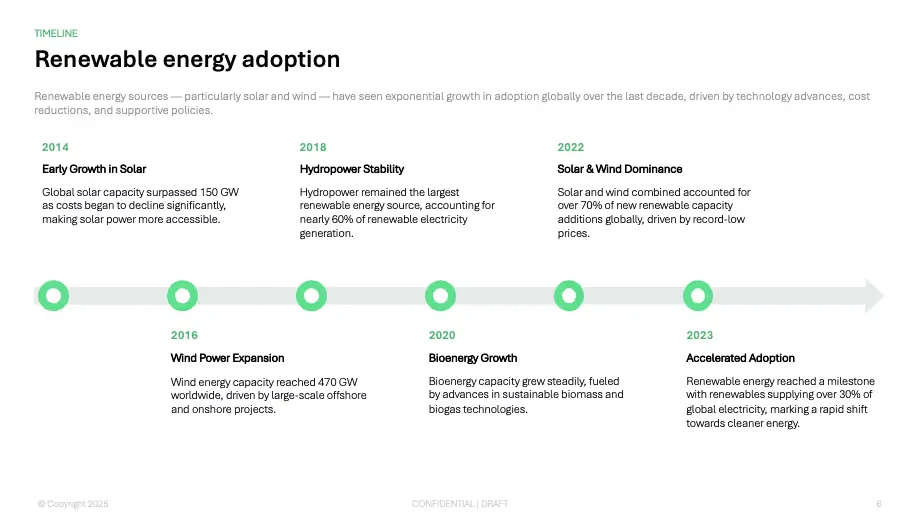
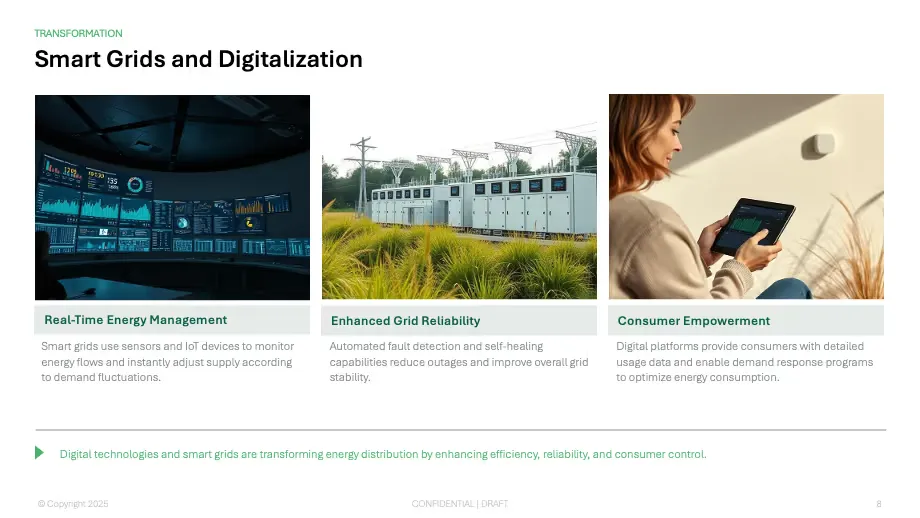
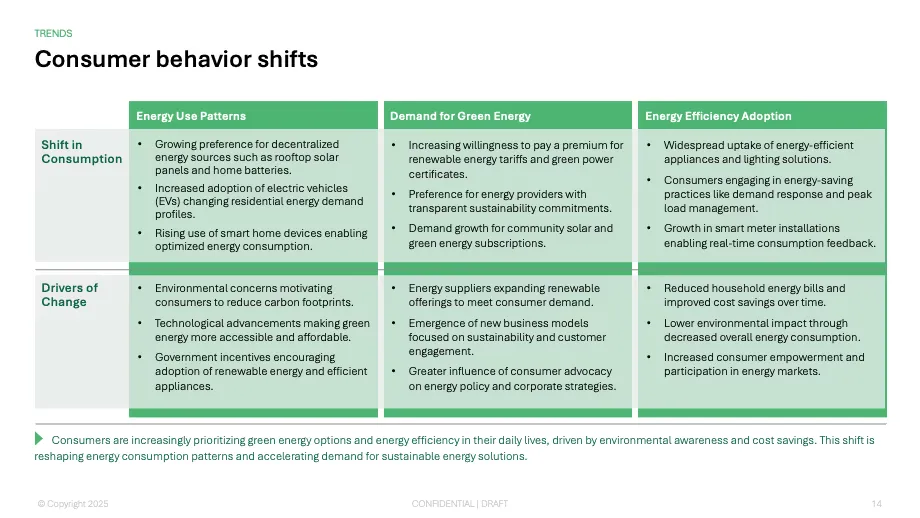
- Tennis template
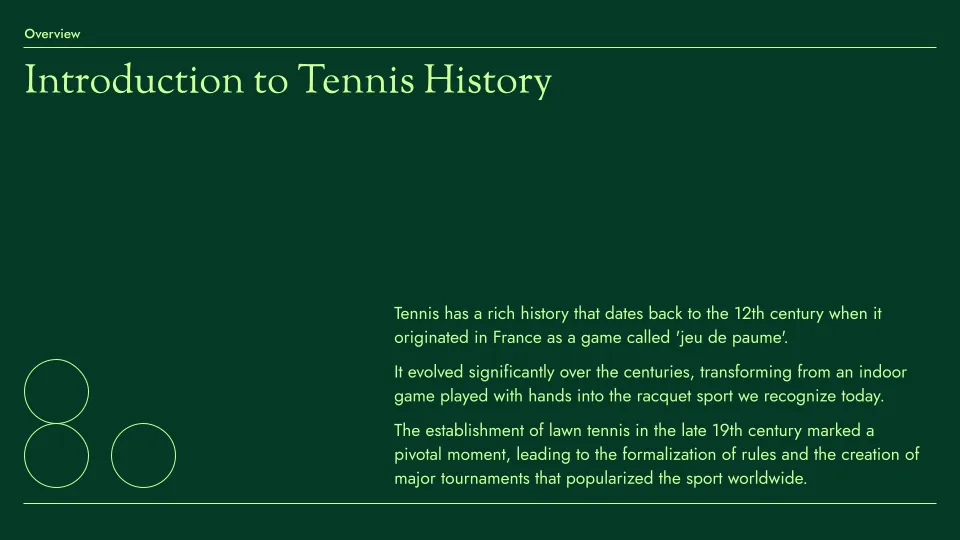
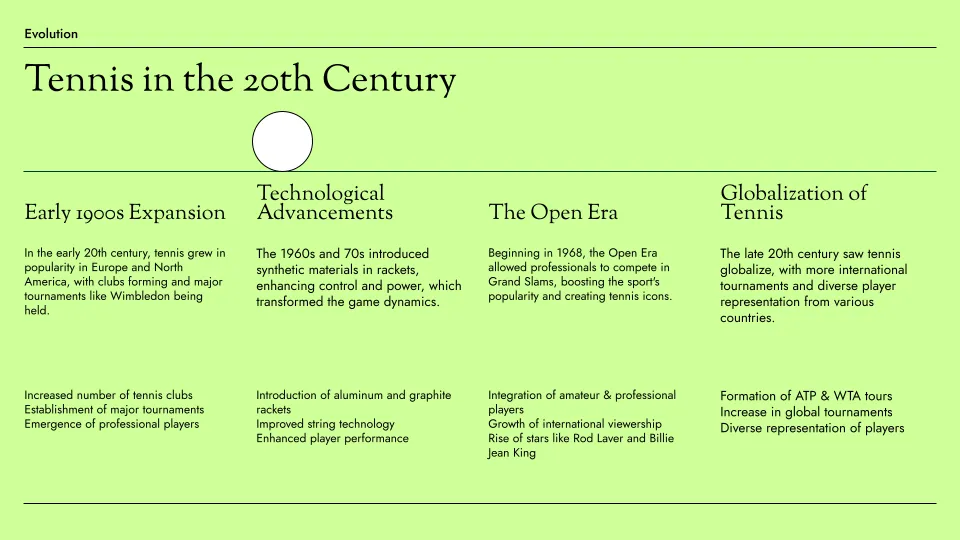
- Aurora template
Canva to PPT converter features
-
专业的演示文稿
使用我们专业设计的模板,打造完美的幻灯片
-
自动提取内容
Plus AI will automatically read the text content from your Canva (sorry, no images yet)
-
一键 AI 生成
无需注册或信用卡。只需点击一个按钮,即可获得一份幻灯片
-
易于编辑
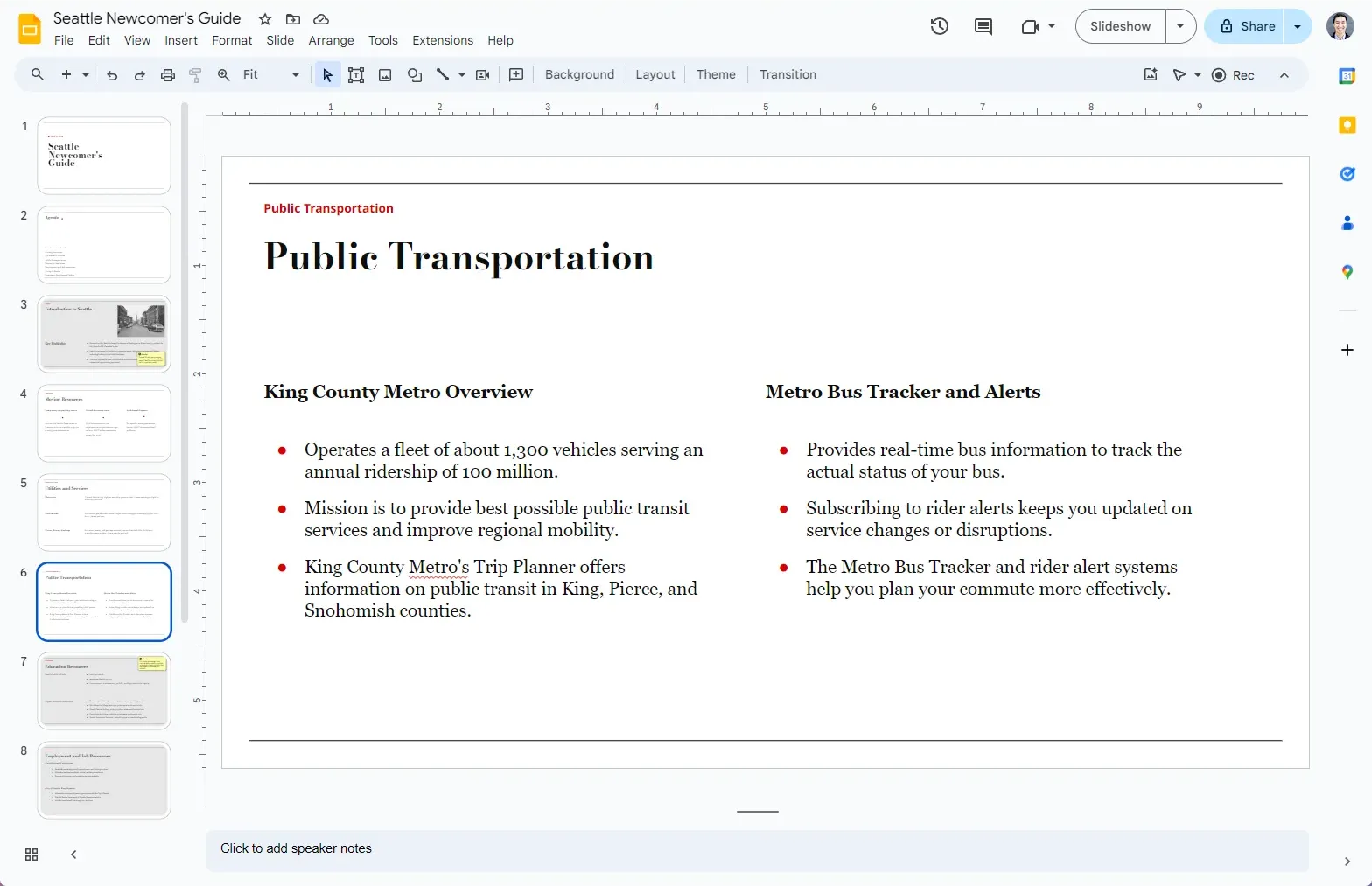
Once converted, you can edit your slides natively in Google Slides
-
易于分享
与客户和同事分享您的 Google Slides 链接,或直接下载为 PPT
-
免费使用
Best of all, it's free! If you need to create more presentations, check out Plus AI.
常见问题解答
How can I convert Canva to Google Slides?
There are two primary methods to convert your Canva presentation: (1) Upload it directly to Google Slides or (2) Use an AI presentation maker to rebuild it from scratch natively in a different tool.
Here is our step-by-step guide on how to do this.
Does Canva have a Present mode?
Yes, look in the top right of your screen for the "Present" button. If do you not see it there, click the Share menu, and there should be another Present button underneath the Copy link button.
Can I download my Canva file as a PPT?
Yes. To download your Canva file as a PPT, click Share -> Download and then select PPTX from the File type dropdown menu.
Can I download a Canva presentation?
Unfortunately, you cannot download Canva files to use offline, but you can download them in other file formats like PDF or PPTX.
To download a Canva presentation, open the Share menu, click Download, and then select the file type you want in the File type menu.
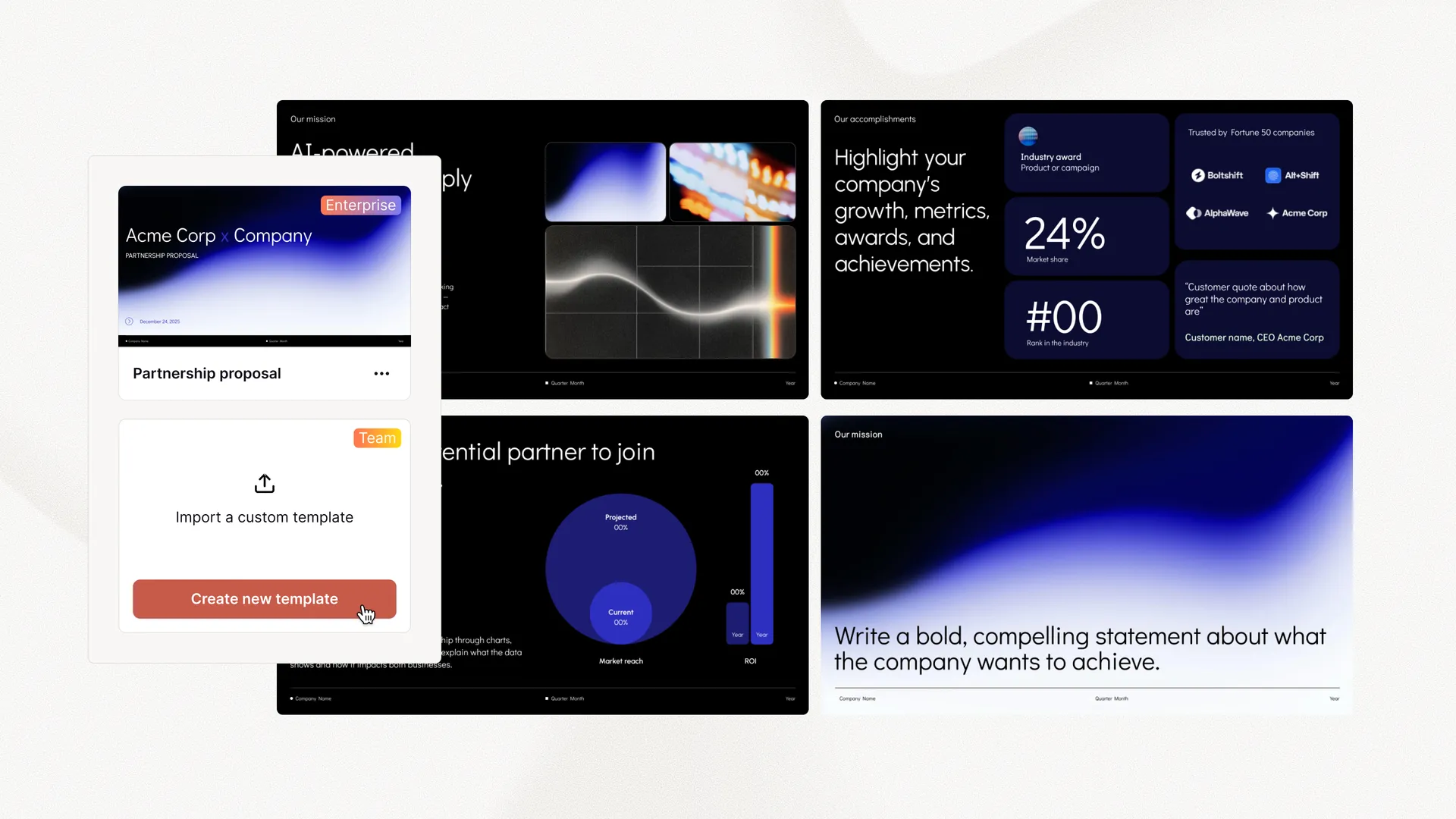
面向企业的 Plus AI
用 AI 幻灯片让整个团队都出彩
为您的团队提供大规模制作精致、符合品牌的演示文稿所需的一切。自定义模板、集成的素材库和自动化工作流程——全部由 Plus AI 驱动。包含 SSO、用户管理,以及为贵组织量身定制一切的全程贴心引导。
-
高级模板
支持无限量幻灯片以及案例研究、图表等专业设计
-
素材库
Plus AI 可以调用您现有的资源幻灯片、预先批准的图片和图标等
-
在您工作的地方运行
可在 PowerPoint 和 Google Slides 中使用——无需安装新应用或学习新工具