

Plus AI 团队版
-
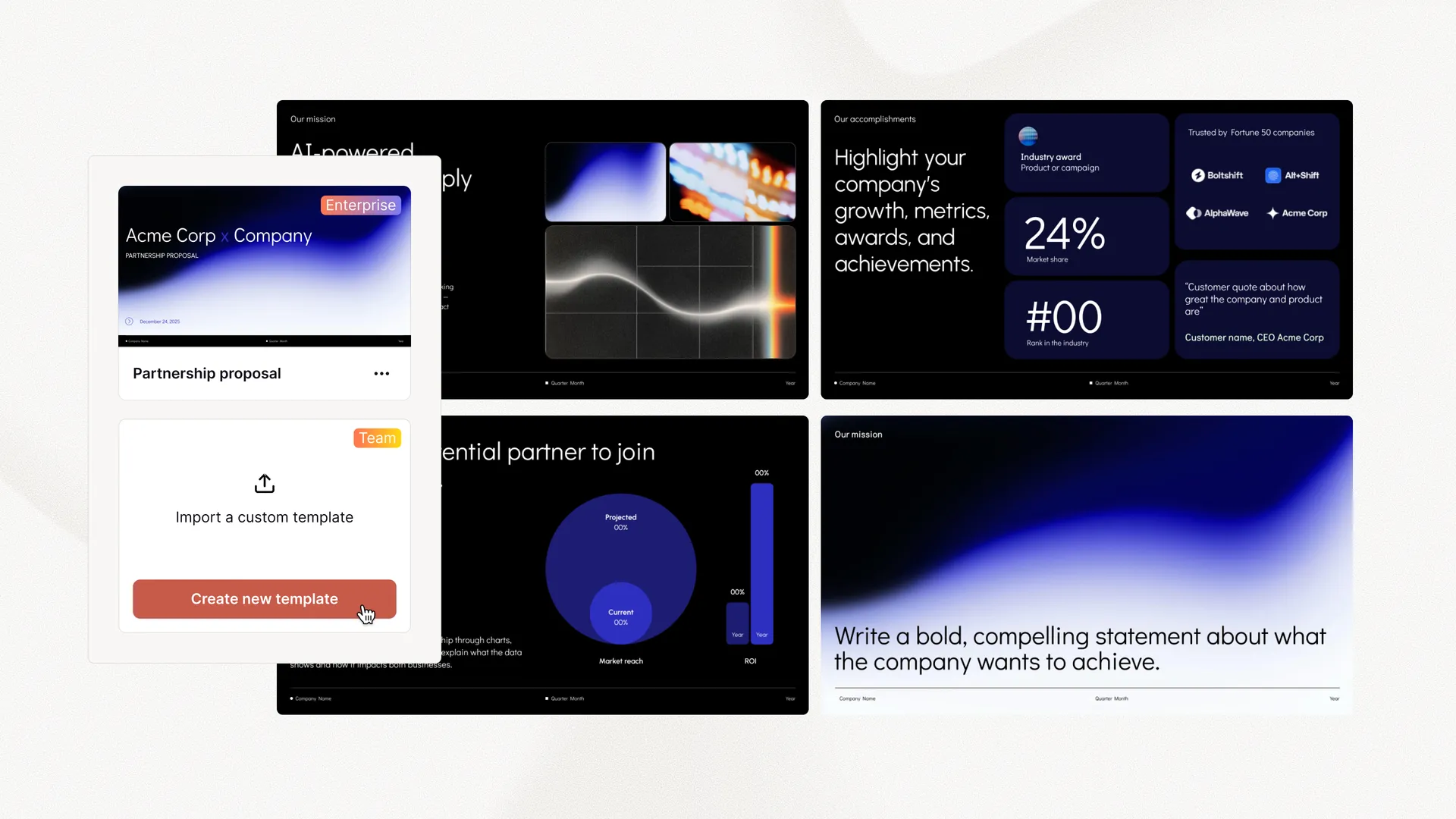
 导入自定义模板
 - 添加徽标、字体和颜色
- 共享预设、自定义指令

使用 Plus AI Presentation Agent 调研、规划并设计您的幻灯片——专为专业演示文稿创作者打造。
将创意、笔记或文字记录转化为可直接演示的幻灯片
将博客文章、白皮书和备忘录转化为易读的演示文稿
需要市场或竞争对手情报?让您的 AI 快速生成一份报告
借助 Plus AI 智能体,从数据中获得洞察
为社交媒体帖子、产品草图等生成视觉内容
将现有幻灯片转换为新格式并生成备选版式
Yes, you can use the Plus AI agent with your existing Plus AI subscription. Open it from the editing menu and click "Agent mode."
Yes, Plus AI will work with your existing slides and custom presentation templates. However, for best results, we would recommend setting up a custom template in Plus AI, which will improve the performance of the agent and allow it to use pre-selected slides from your slide library.
Yes, the Plus AI agent can create new slides and edit existing slides using the formats and styles from your presentation.
No. The Plus AI agent does not yet support Google Slides. However, it can create native PPTX files that can be uploaded to Google Slides.
The Plus AI agent is purpose-built for professional presentation workflows inside PowerPoint. It's not a general-purpose chatbot or code generation model asked to make slides.
Because it's specifically built for presentations, it can:
Plus AI only uses purpose-built presentation tools. This means it does not execute arbitrary or unreviewed code on your local machine or cloud infrastructure.
The Plus AI agent adds a layer of functionality to the Plus AI add-in. The agent is able to plan and execute multi-step actions in PowerPoint to create and edit slides.
It can also use the existing Plus AI tools for inserting, formatting, and rewriting slides.