TED Talk Style Presentation Template
A bold red, white and black presentation Inspired by TED Talks
Get this template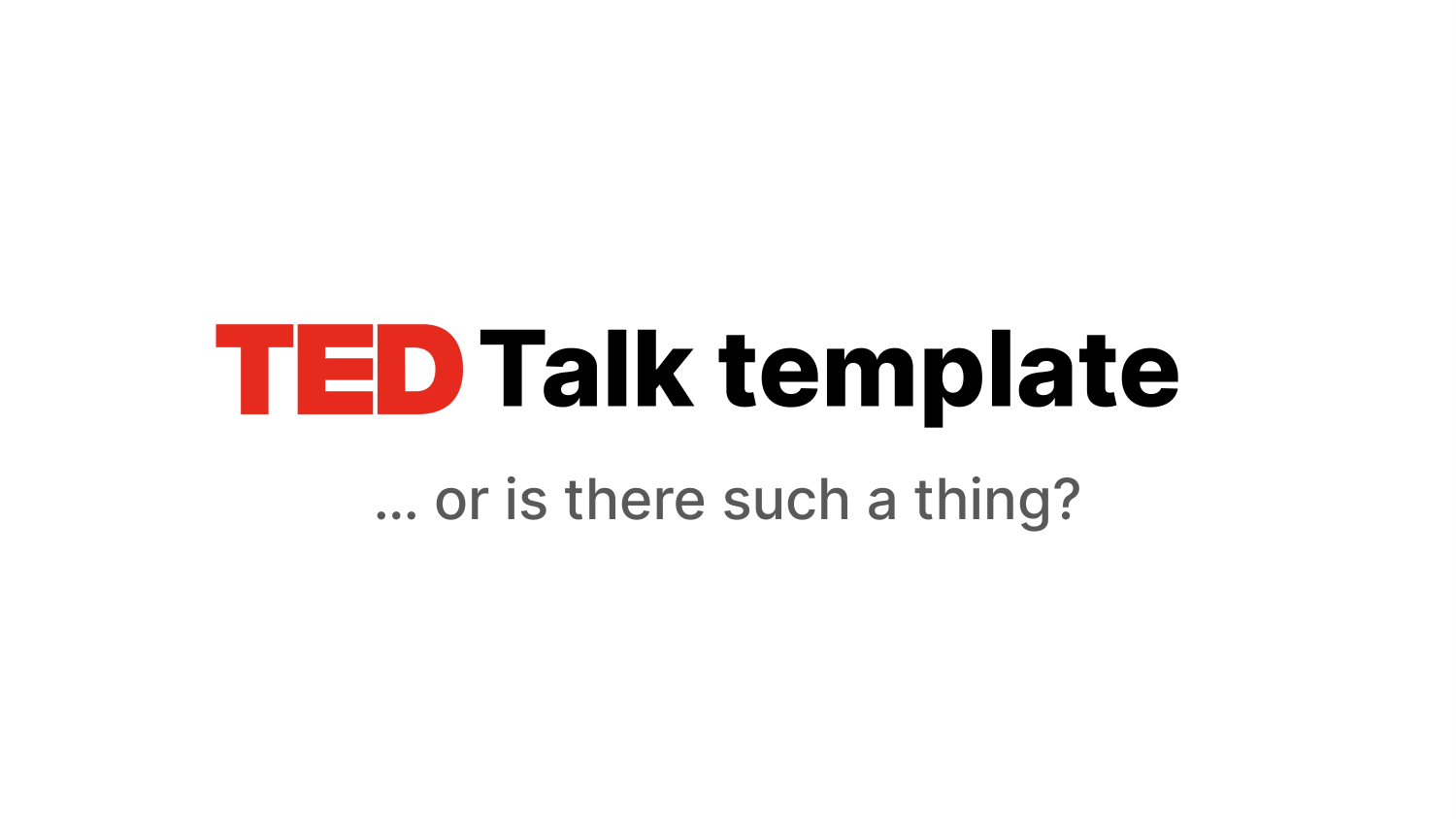





1 / 18
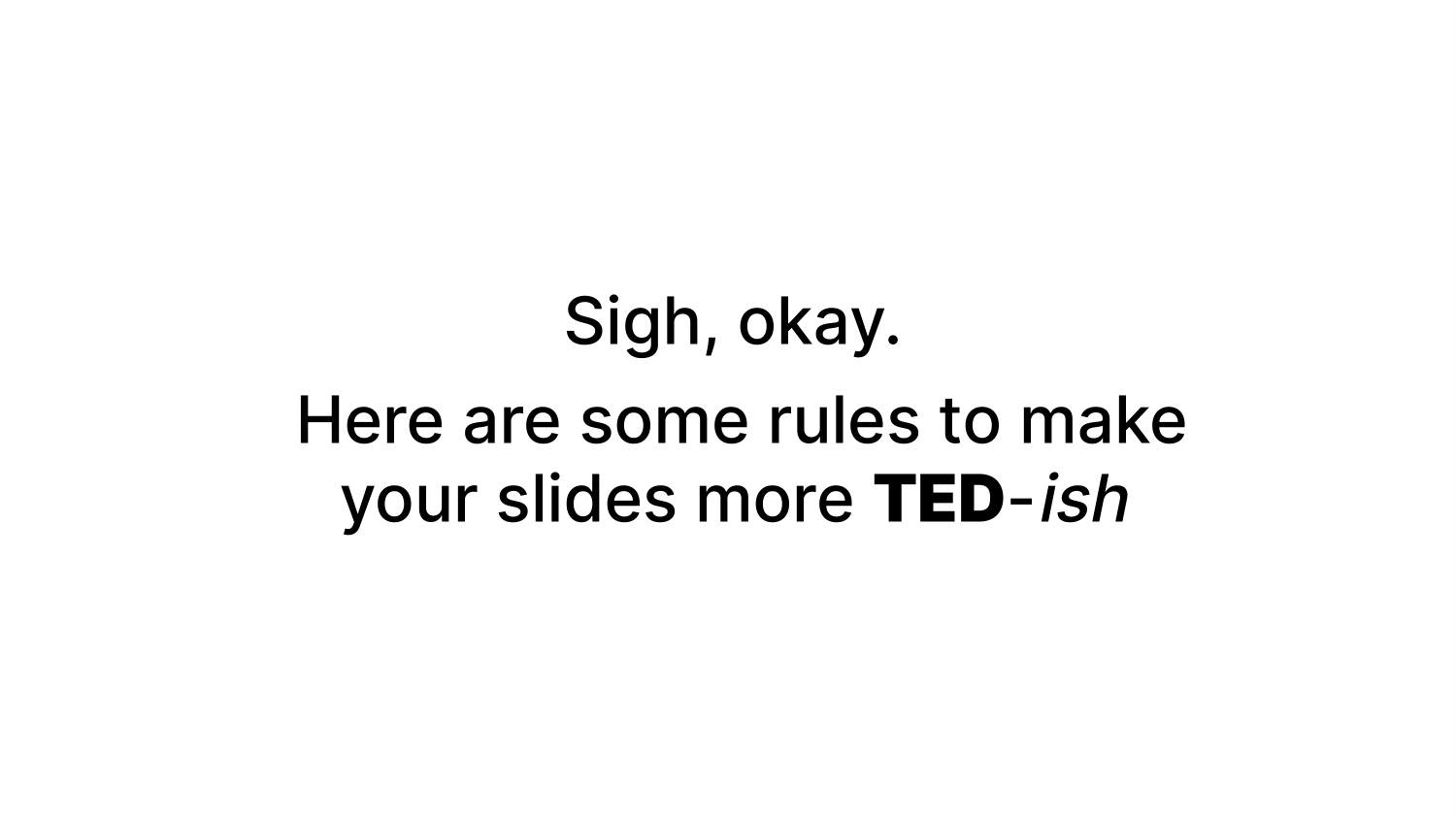
This set of slides gives you a guide to create your own TED-talk-style presentation in Google Slides.
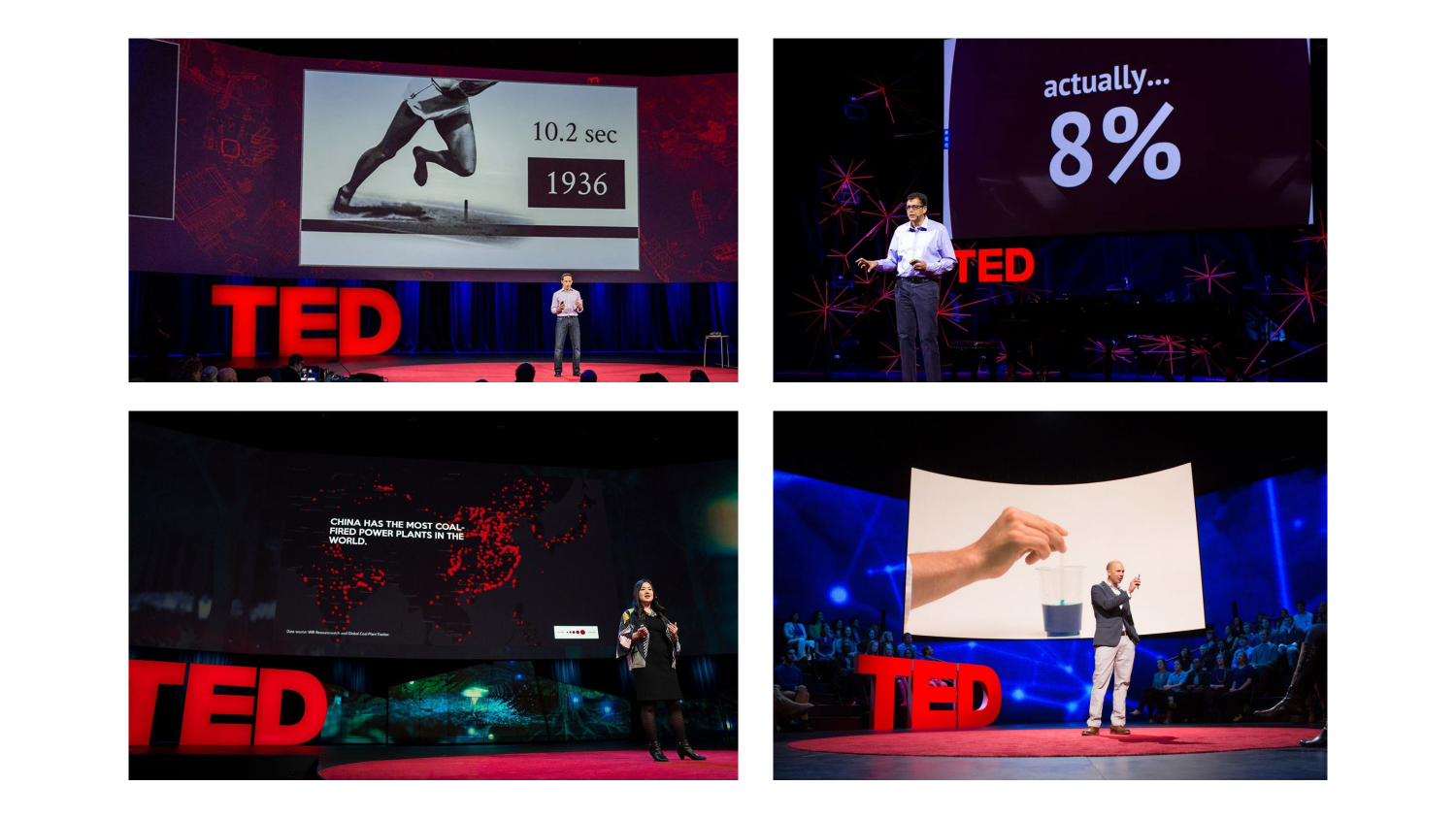
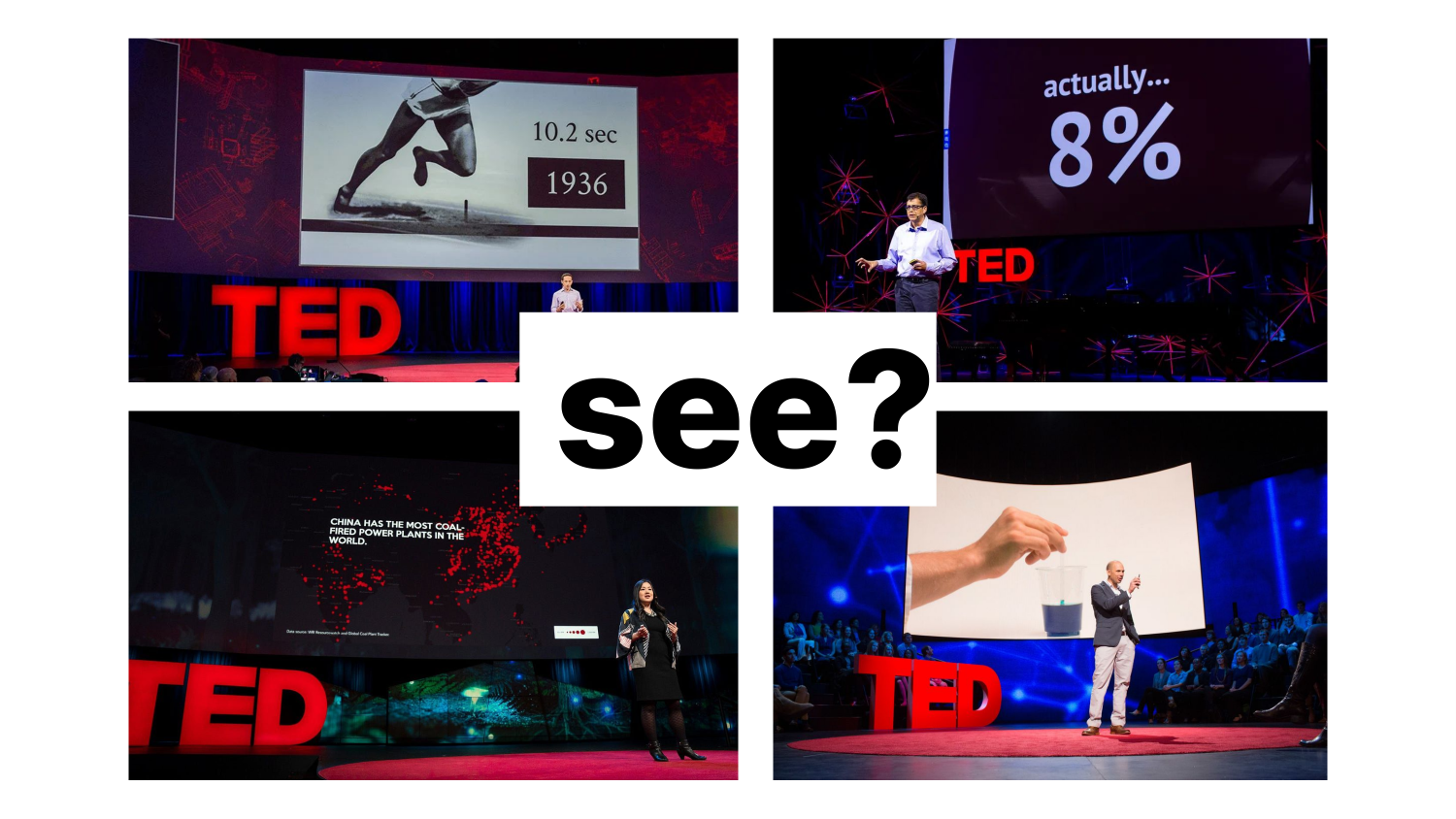
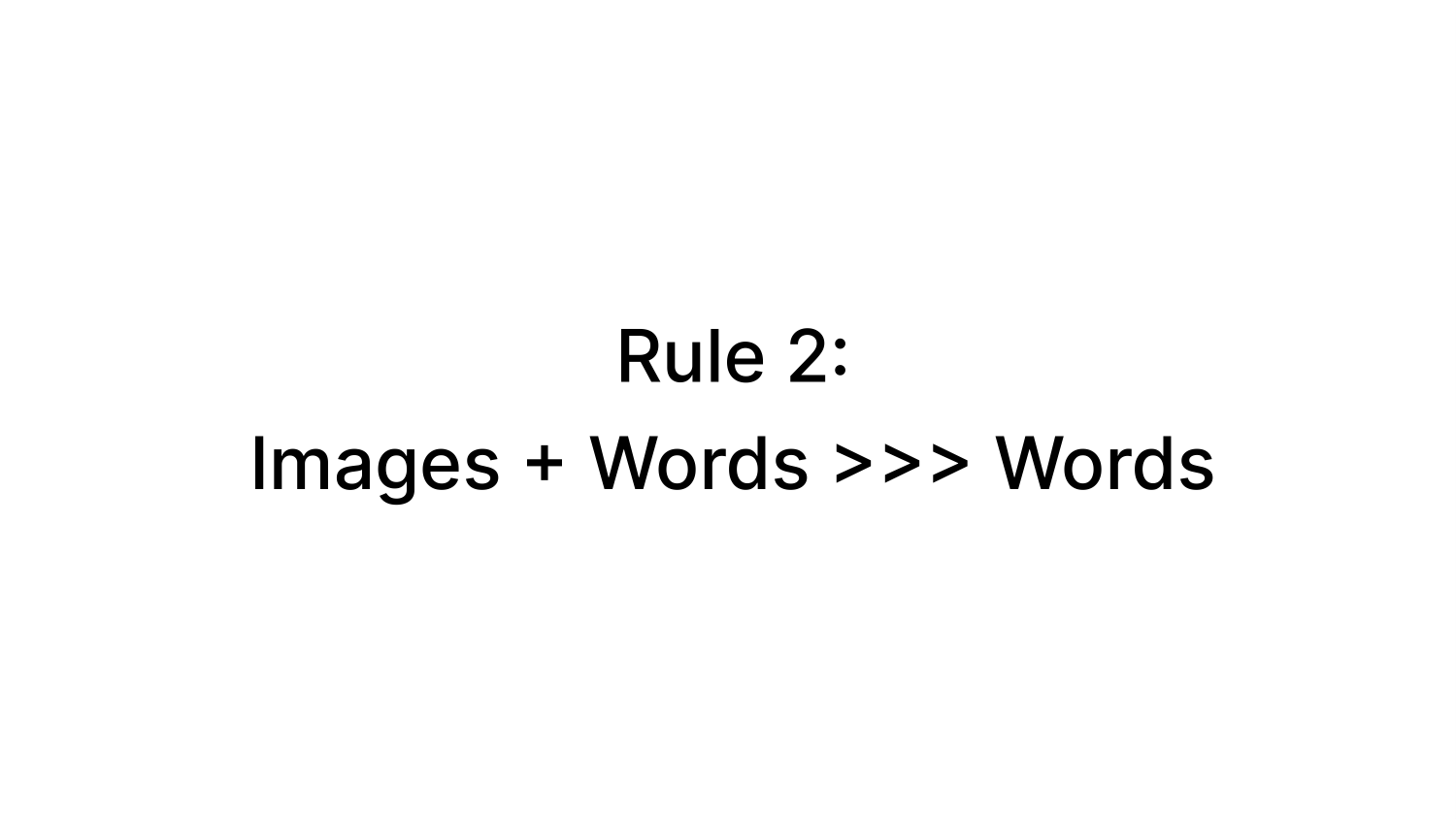
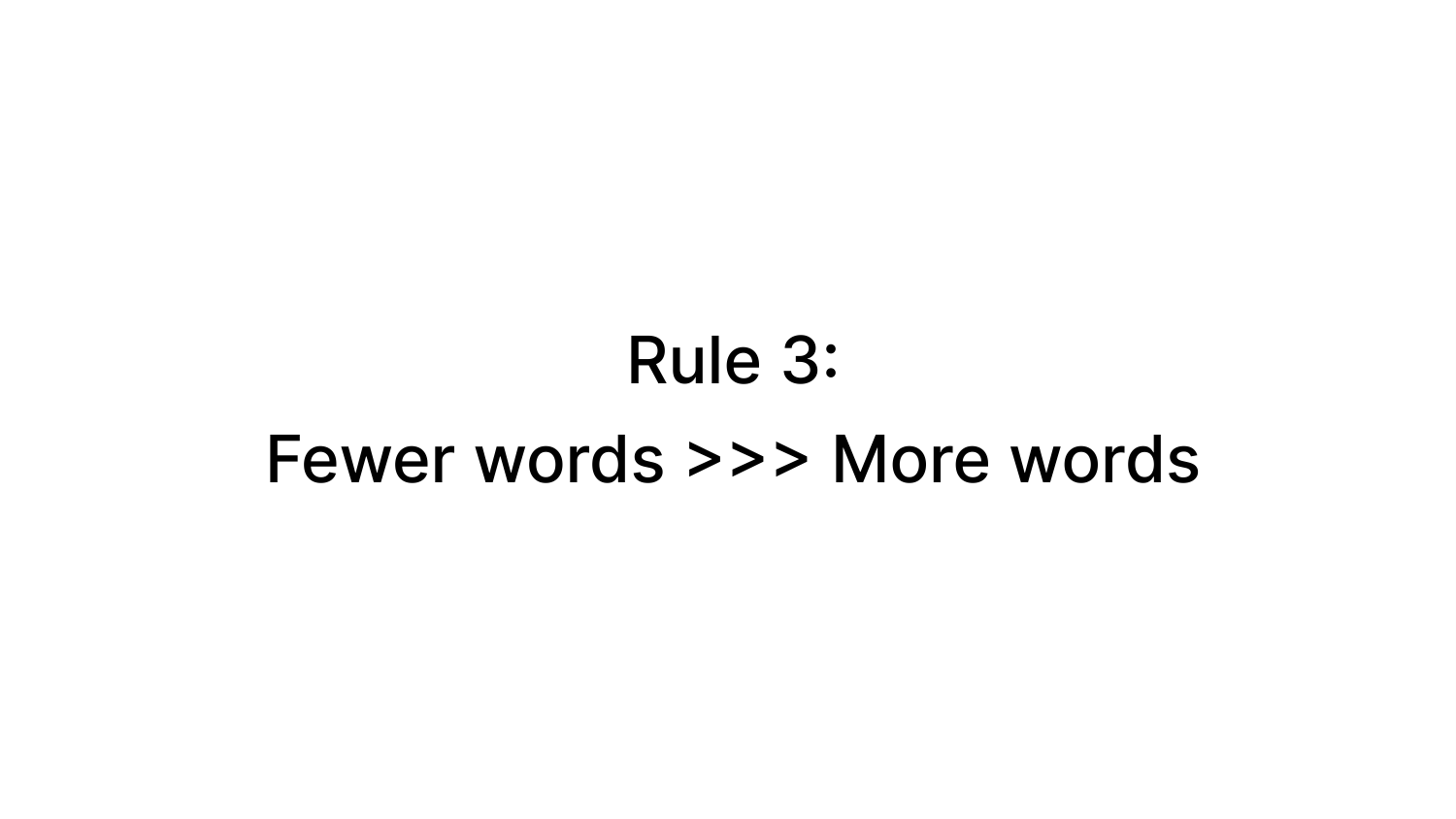
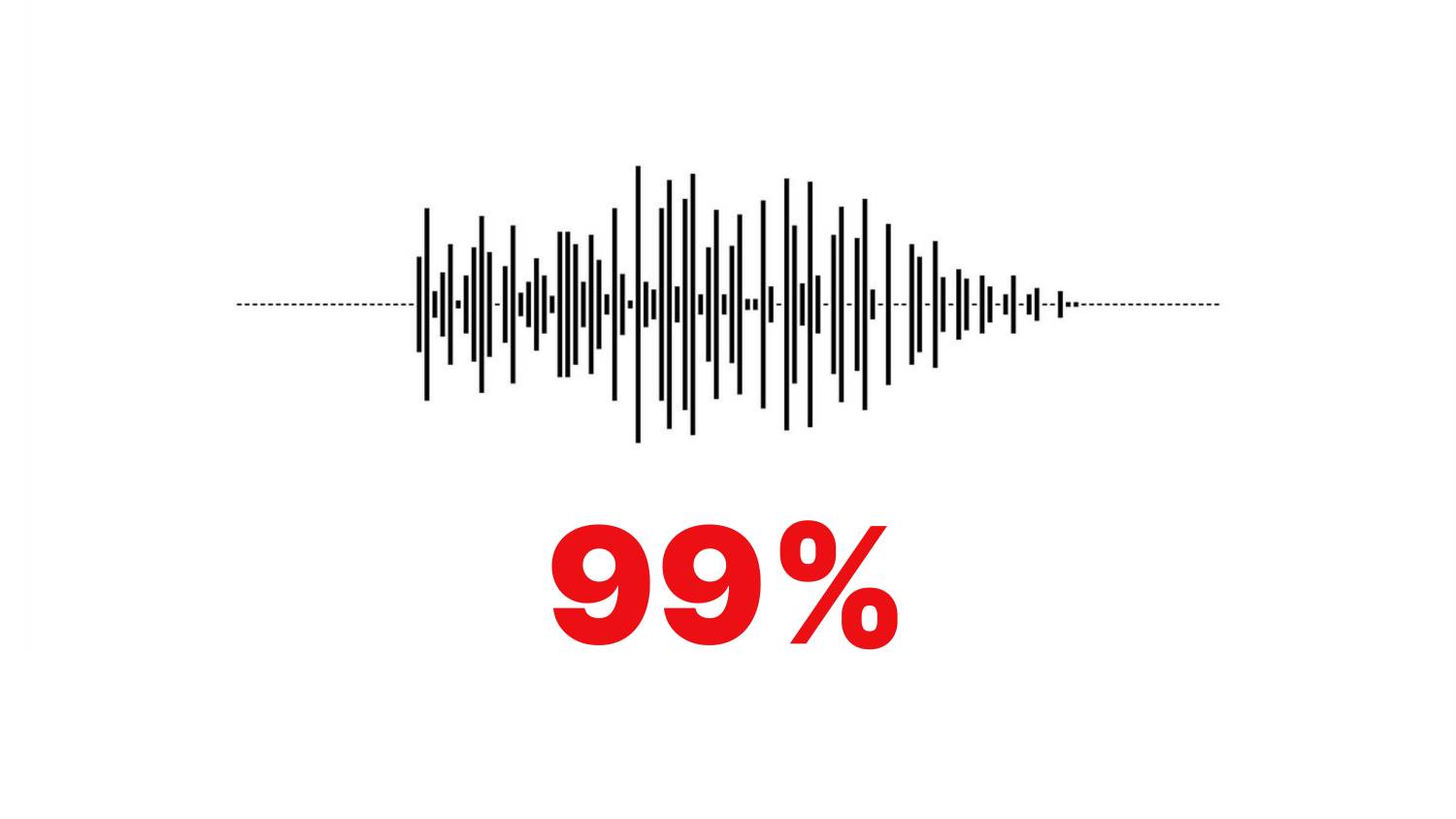
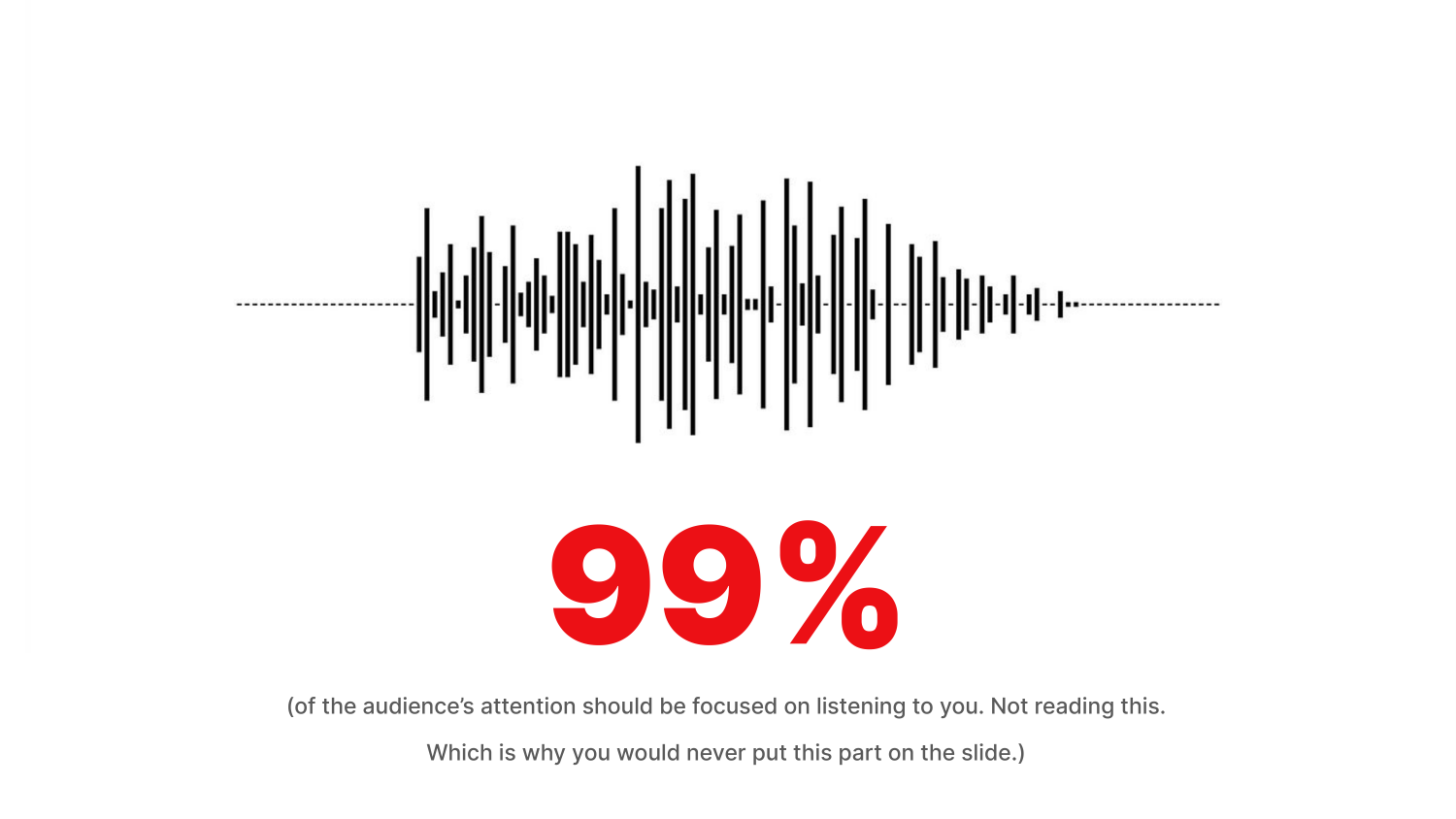
One of the hallmarks of a TED talk is actually how little the speaker tends to rely on visual aids, if at all. TED talk slides tend to be sparse, minimal, and image heavy. They provide a backdrop and visual context for the story being told, but they are not intended to be read. As a result, there IS no standard TED talk template.
But don’t worry, you can still use this presentation to help you prepare you own talk.
Slide-set Features
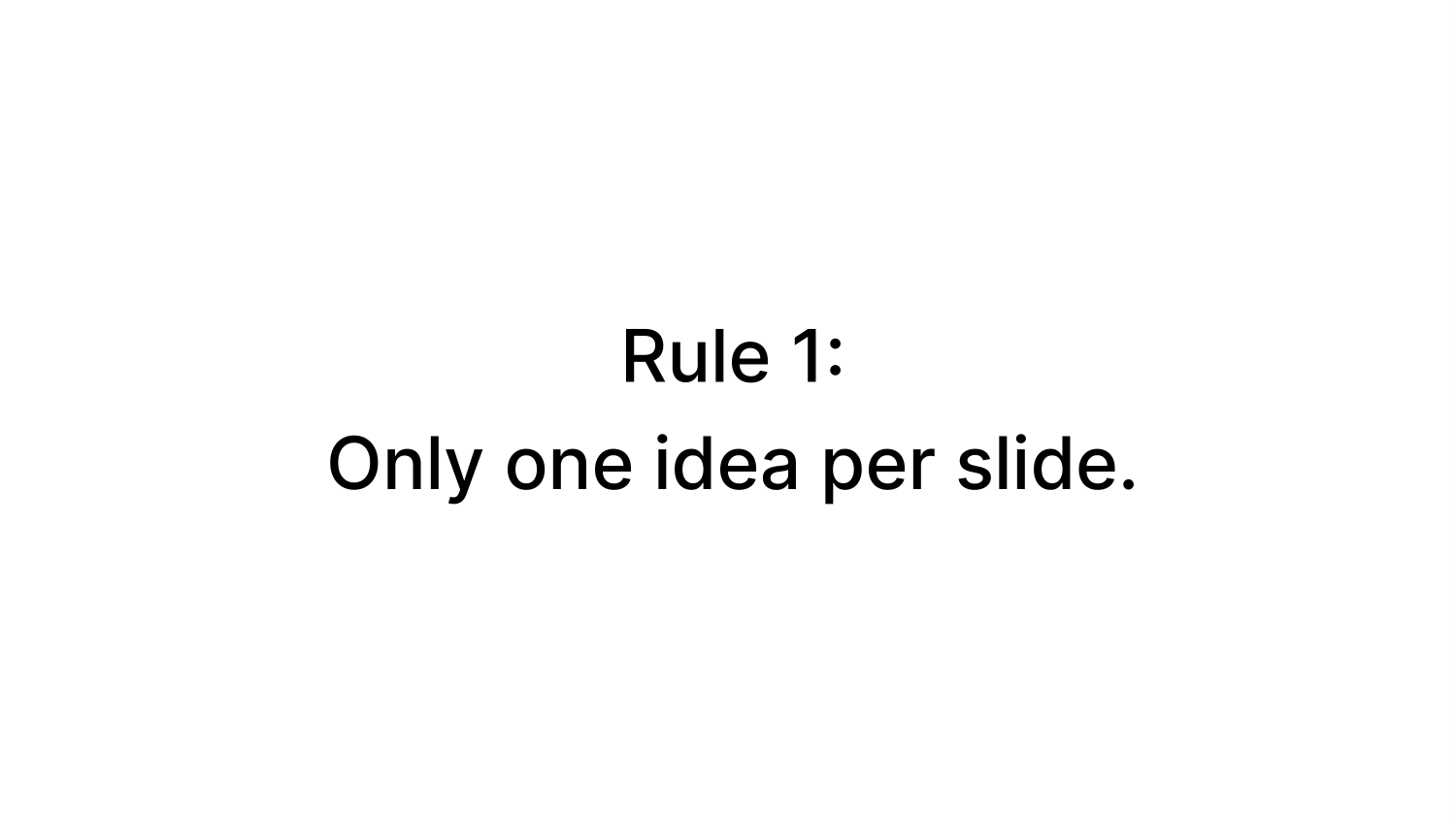
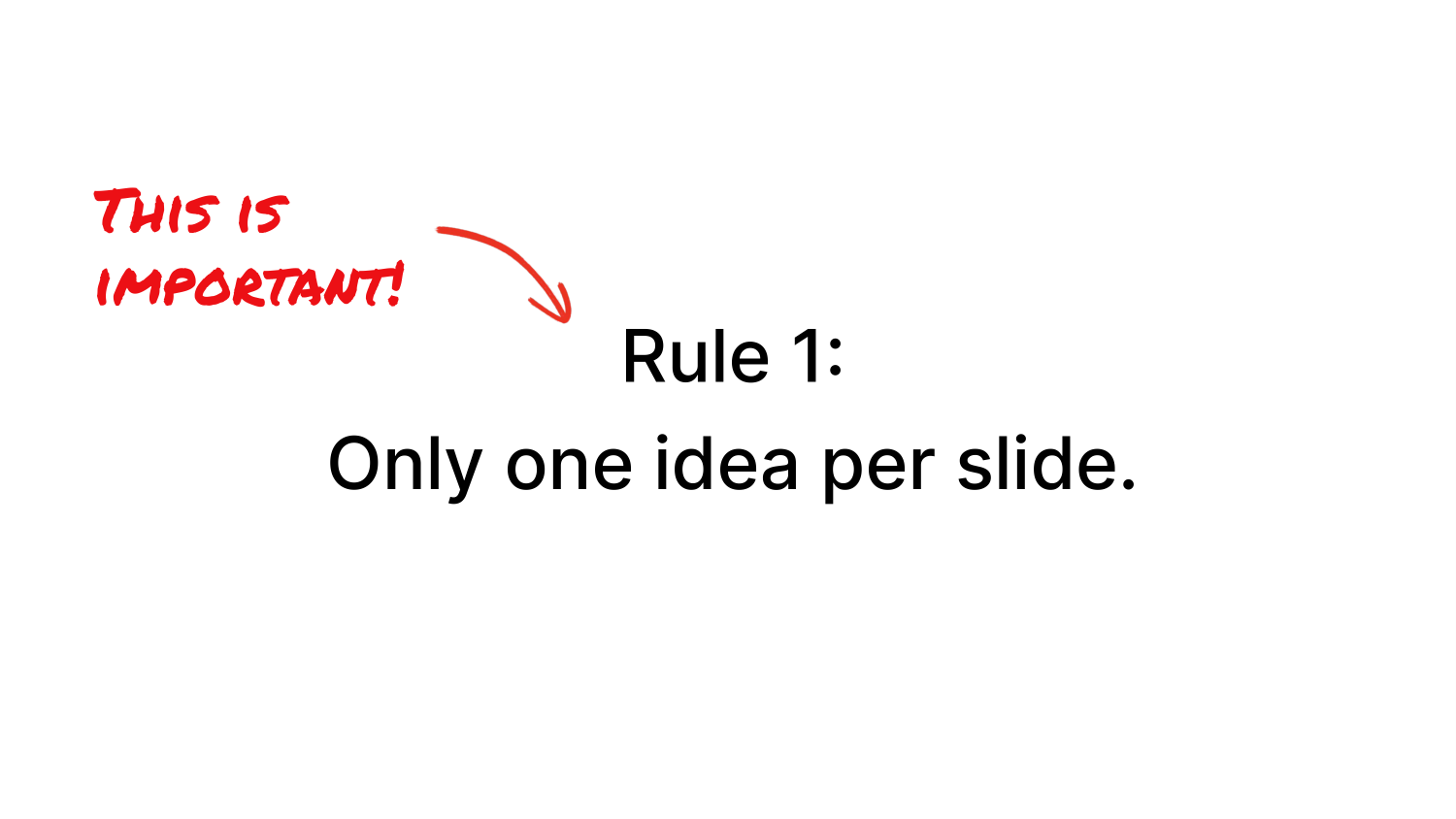
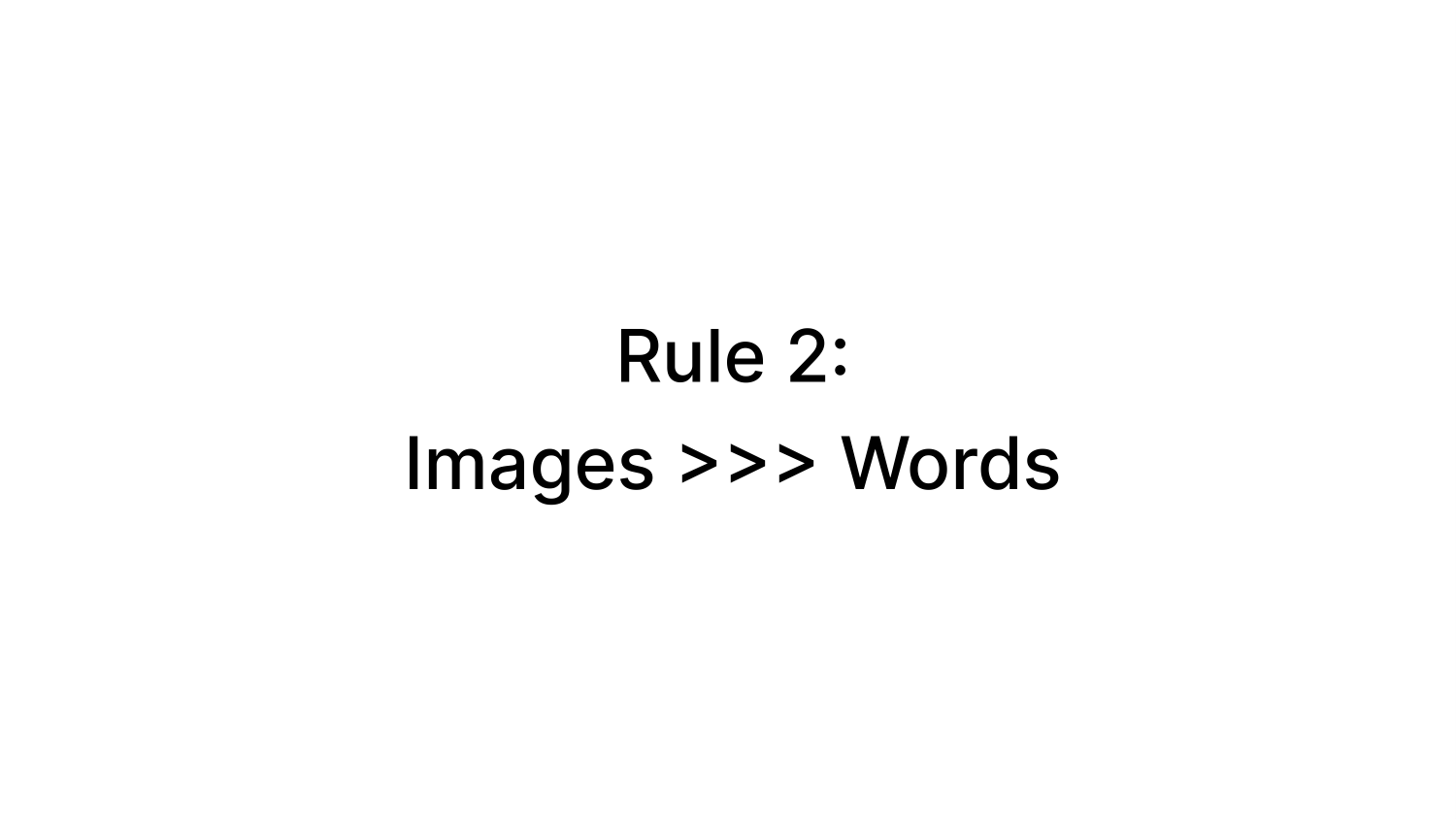
- 5 simple rules to follow to make your own TED talk presentation.
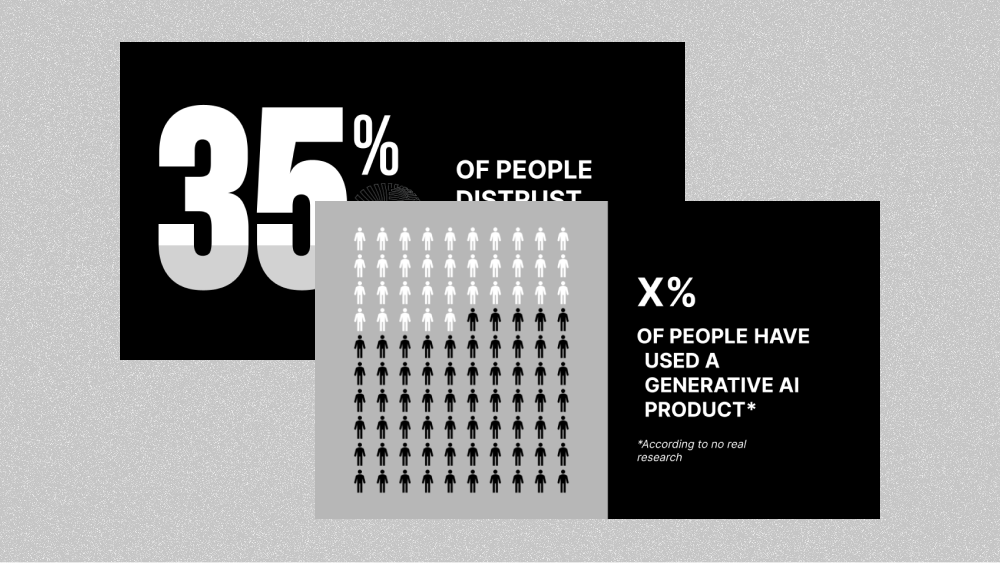
- Examples of different image and text slide layouts frequently used in TED talks.
- Bold text, with red and white color scheme
Additional Resources
- Official guide to preparing slides for a real TED Talk
- Generate your first draft with an AI prompt
- Using ChatGPT to create PowerPoint presentations
Plus AI for Google Slides & PowerPoint
How to use this template
Generate a custom presentation using this template in a few clicks.
Get this template- Install Plus AI for Google Slides or PowerPoint.
- Launch the add-in to create a new presentation.
- Go to “Start from a template” and select your template.
- Enter a prompt or upload a file to generate a custom presentation.
- Continue editing with Insert, Remix, and Rewrite.