
Free Presentation Tools
Competitor Analysis Generator
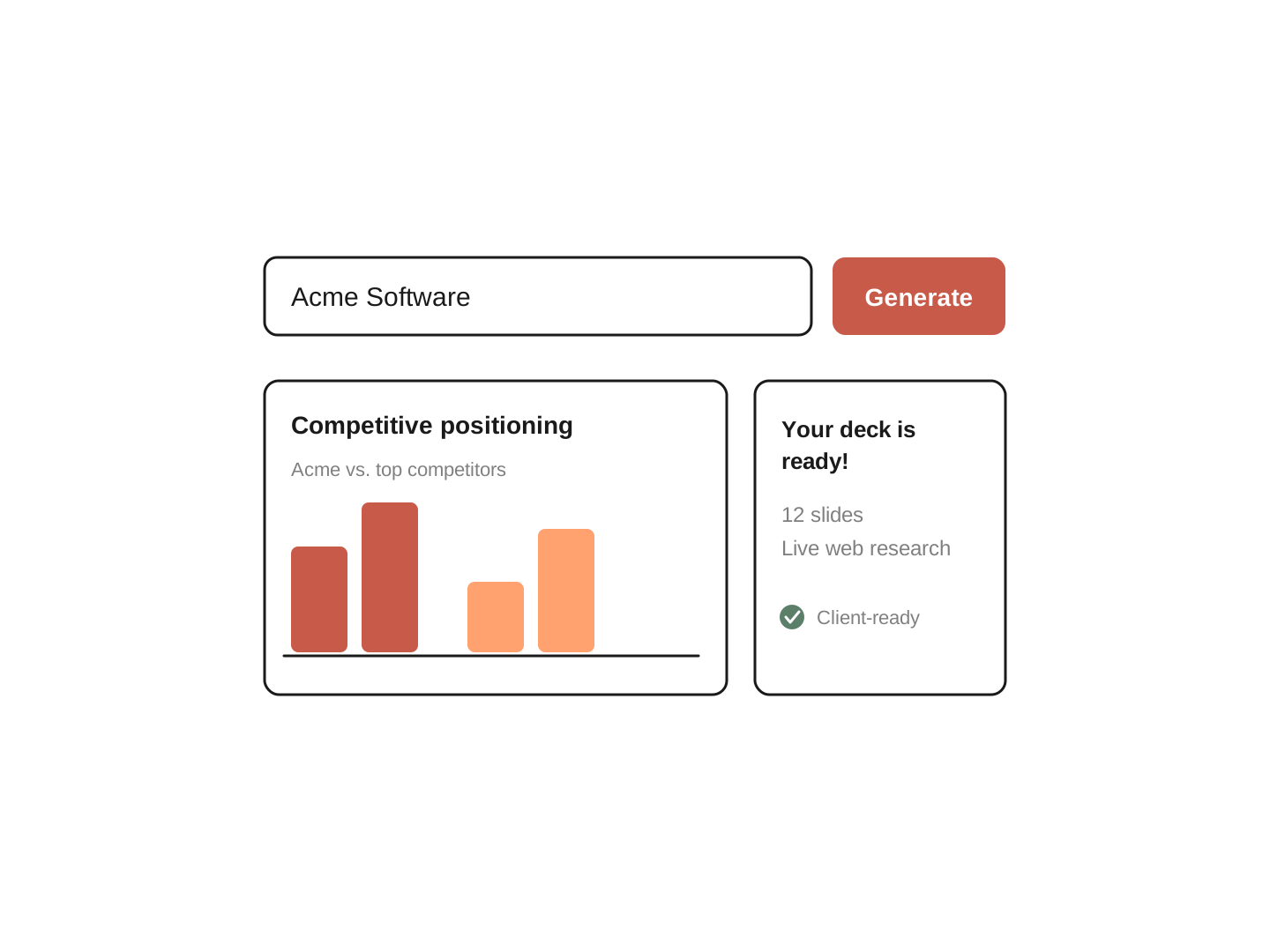
Enter a company name and Plus AI builds a full competitor analysis as designed slides: a comparison matrix, a positioning map, and a messaging plan. Free to use, and ready to edit in PowerPoint or Google Slides.
Why use it
Why use the Competitor Analysis Generator
-

Designed slides, not a wall of text
The output arrives as a finished presentation. The comparison matrix, positioning map, and messaging plan each get their own slide, written clearly enough to read aloud in a client meeting.
-

Grounded in live research
The tool researches the company and its competitors in real time. It never invents statistics, quotes, or ratings, and it flags any area where public data ran thin. The analysis holds up when someone asks where a claim came from.
-

Goes past comparison to strategy
Most competitor tools stop at a side-by-side chart. This one reads the market gap, writes a positioning statement, and gives you messaging you can act on.
Recursos
What's included in your competitor analysis
-
Comparison matrix
Lines up the company and its competitors by segment, offering, pricing model, stated differentiator, and market standing.
-
Positioning map
Plots every player on the two axes that matter most for that market, so the gaps are easy to see.
-
Customer sentiment
What users consistently praise and consistently complain about, drawn from major review platforms. Themes only, never invented quotes or star ratings.
-
Market gap and current position
How buyers see the company today, which claims are table stakes, and which claims it can credibly own.
-
Value proposition and positioning statement
Written to name a specific customer and a specific problem.
-
Messaging pillars and battlecard
What to lead with against each direct competitor, plus the claims to avoid because a rival already owns them.
How it works
How to use the Competitor Analysis Generator
- 1
Enter the company
Type the company name. Use the notes field to steer the analysis: name specific competitors, a market segment, a region, or a product line for multi-product companies. You can also attach reference documents (PDF, DOCX, PPTX, or TXT) to ground the output in your own research.
- 2
Let the tool research and build
Plus AI runs live web research, selects the closest competitors, and writes the full analysis against a structured framework covering comparison, positioning, and messaging.
- 3
Review, edit, and share
The analysis comes back as a presentation, with each section on its own slide. Open it in PowerPoint or Google Slides to adjust the wording, drop in your branding, and send it to your team or client.
Mais ferramentas de apresentação gratuitas
-

Pyramid Principle Generator
Turn any document into a Minto Pyramid Principle outline with a governing thought, key arguments, and evidence.
-

Speaker Notes Generator
Upload your presentation and get clear, natural speaker notes written for every slide.
-

PowerPoint Word Counter
Upload a .pptx to count every word in your PowerPoint, including speaker notes and speaking time.
Perguntas frequentes
What is a competitor analysis?
A competitor analysis is a structured look at the companies you compete with, covering who they serve, what they offer, how they price, and how they position themselves, so you can see how you compare and where you can stand out.
How do I do a competitor analysis?
A solid competitor analysis follows four moves. List your real competitors: the companies solving the same problem for the same customers. Compare on what matters: segment, offering, pricing, and stated differentiator. Find the open space: the need nobody is meeting well. Then turn it into a message: a positioning statement and the few pillars you will repeat everywhere.
The Competitor Analysis Generator runs all four steps for you and hands back the result as slides.
What is the difference between a competitor analysis and a competitive analysis?
A competitor analysis usually means studying the specific companies you go up against and how you stack up. A competitive analysis often points to the wider market read, including trends and demand. This tool does both. It names your direct competitors, compares you against them, and then steps back to map the whole landscape.
Which competitors does the tool include?
The tool researches the market and selects 3 to 8 companies that genuinely compete with the one you entered, based on how crowded the market is. It never pads the list with loosely related names, and it explains why it chose that number. Each competitor is classified as direct or adjacent, and only direct competitors appear in the head-to-head battlecard. You can also name specific competitors in the notes field, and it will include them.
How accurate is the analysis?
The tool never invents statistics, market share figures, ratings, or customer quotes. Market standing is expressed in qualitative bands, like market leader or challenger, unless research surfaced a well-documented figure. Where public data is thin, the analysis says so instead of guessing, and every thin area is flagged in the confidence notes at the end. A shorter honest analysis beats a complete-looking one with invented details.
Can I upload my own research or documents?
Yes. Attach PDF, DOCX, PPTX, or TXT files up to 25 MB, and the analysis will draw on them alongside its live web research. Your files are read in your browser, and only the extracted text is sent to the AI.
What does the analysis cover?
Each analysis includes a comparison matrix, a positioning map, a customer sentiment summary, the current position and market gap, a breakdown of table-stakes claims versus claims the company can own, a value proposition and positioning statement, and messaging pillars with a head-to-head battlecard, including the claims to avoid against each rival.
Can I edit the slides in PowerPoint or Google Slides?
Yes. The analysis is delivered as an editable presentation, so you can change the wording, apply your branding, and present it in PowerPoint or Google Slides.
Is the Competitor Analysis Generator free?
Yes. You can run a competitor analysis and get the slides at no cost. Editing the deck inside Plus AI is part of a Plus AI plan.
Cansado de perder tempo com slides?
Try Plus AI for free. Start with a 7-day free trial. Cancel any time. Edit and collaborate seamlessly, directly in Google Slides or PowerPoint.
Comece gratuitamente